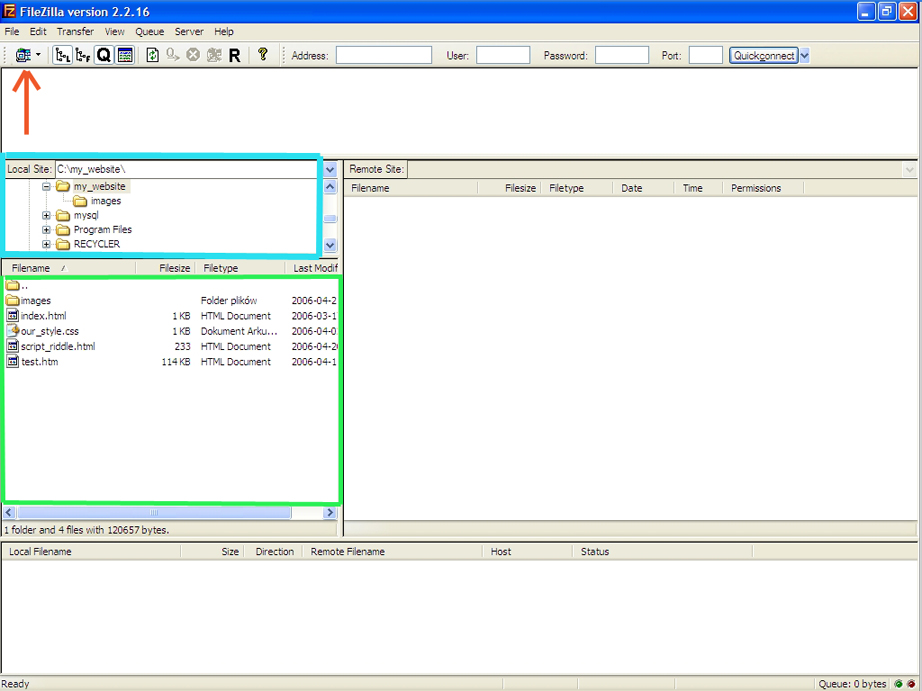
Once you downloaded and installed the program you'll be able to launch the program and proceed with uploading.

NOTE: Please make sure that your local internet settings (firewall, anti-virus, IE Internet Options Security Settings) won't block you from connecting to the server on Port: 21 (you can skip this now, but if you have problems with connecting to your website please check it).
Step 1:- After you launch FileZilla you should get such screen: